Rent what you need.
Earn from what you own.
Find tools, gear, and equipment nearby. Rent them for the days you need — or earn by listing what you already own.
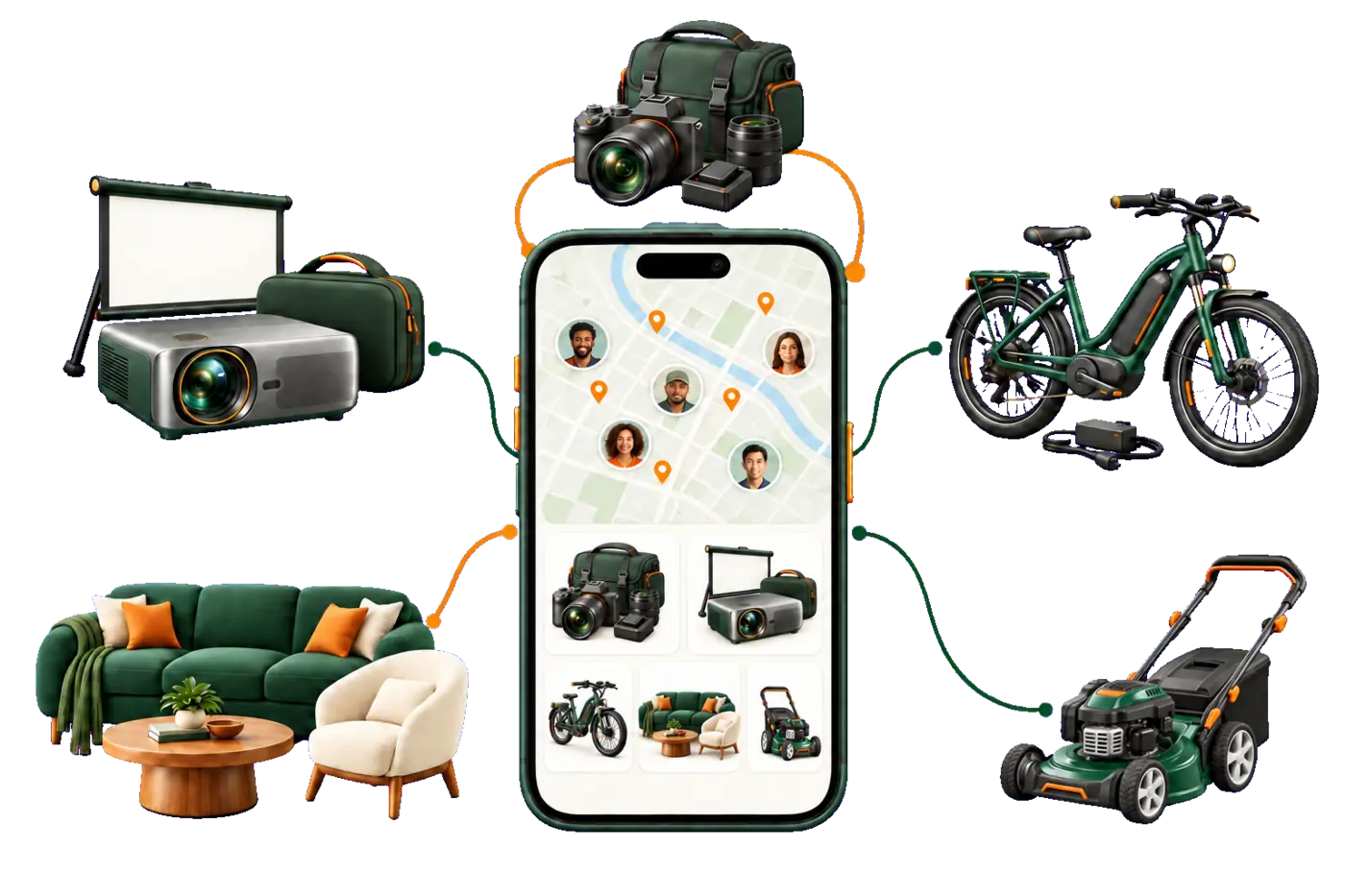
Find tools, gear, and equipment nearby. Rent them for the days you need — or earn by listing what you already own.
A camera, mower, tent, or set of party tables may sit unused most of the year. List it, set your price and availability, and let people nearby put it to use.
Track bookings and payouts, see which listings get attention, and share one page with your neighborhood or audience.
Keep availability current so renters can quickly find dates that work.
Sample dashboard. Your account starts at $0 and updates with real activity.
See payouts, top-performing listings, and monthly activity.
Share one link on Instagram, TikTok, Nextdoor, WhatsApp, or anywhere you already reach customers.
Not sure where to start? Evorios can suggest a price range while you build the listing. The final price is always yours.
The calculator shows sample scenarios. Earnings depend on demand and availability; savings depend on the purchases you replace with rentals.
Popular nearby: lawn and power equipment, camping gear, cameras, party supplies and tools for one-off projects.
Every category includes Household items and Pro / Business equipment — from everyday neighbors, specialists and local rental businesses.
For home projects, work, travel, events, and everything in between.
Plants, handmade pieces, specialty tools, and hard-to-find gear can reach buyers and renters nearby.
Offer seedlings, seeds, houseplants, or seasonal flowers nearby.
List the pieces you want to sell, gift, or make available for shoots and events.
A tool, kayak, or camera can be useful to someone else — and earn money for you.
Check nearby listings before you buy. The right item may already be close by.
Rent instead of buying. Earn from what you own. Find useful things nearby.
Publish your first listing, see what gets interest, and add more where demand is strongest.
Add photos, a clear description, your price, and available dates.
Views, bookings, and earnings show which listings perform best.
Add similar items in the categories where you already see demand.
Evorios works for individual owners and established rental businesses.
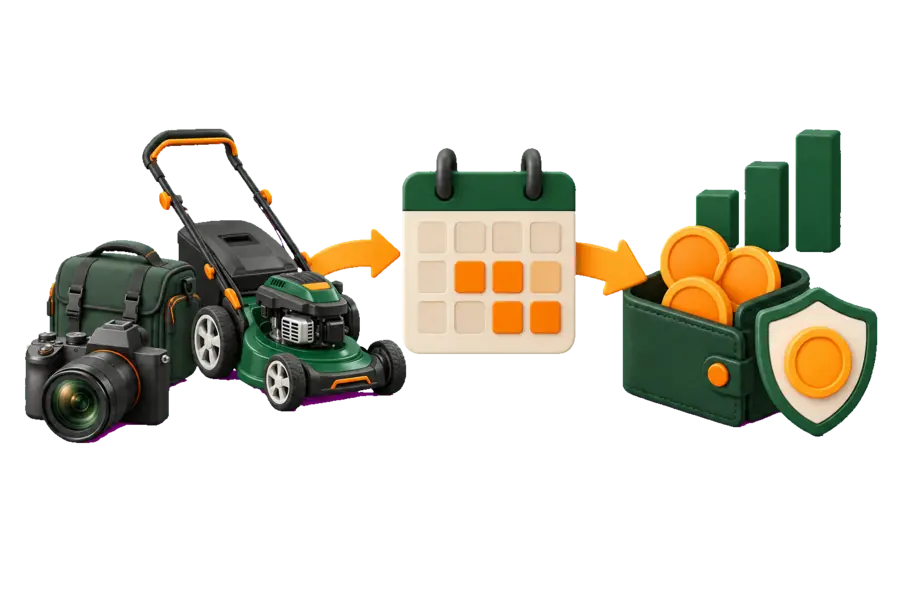
Set your price, availability, and terms. For rentals, you can add a refundable deposit and confirm each handoff by QR.
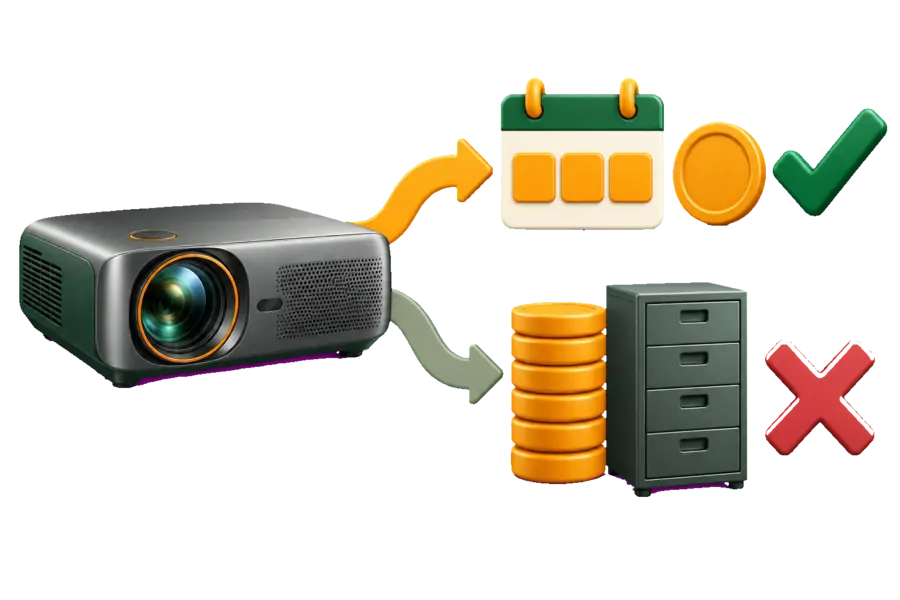
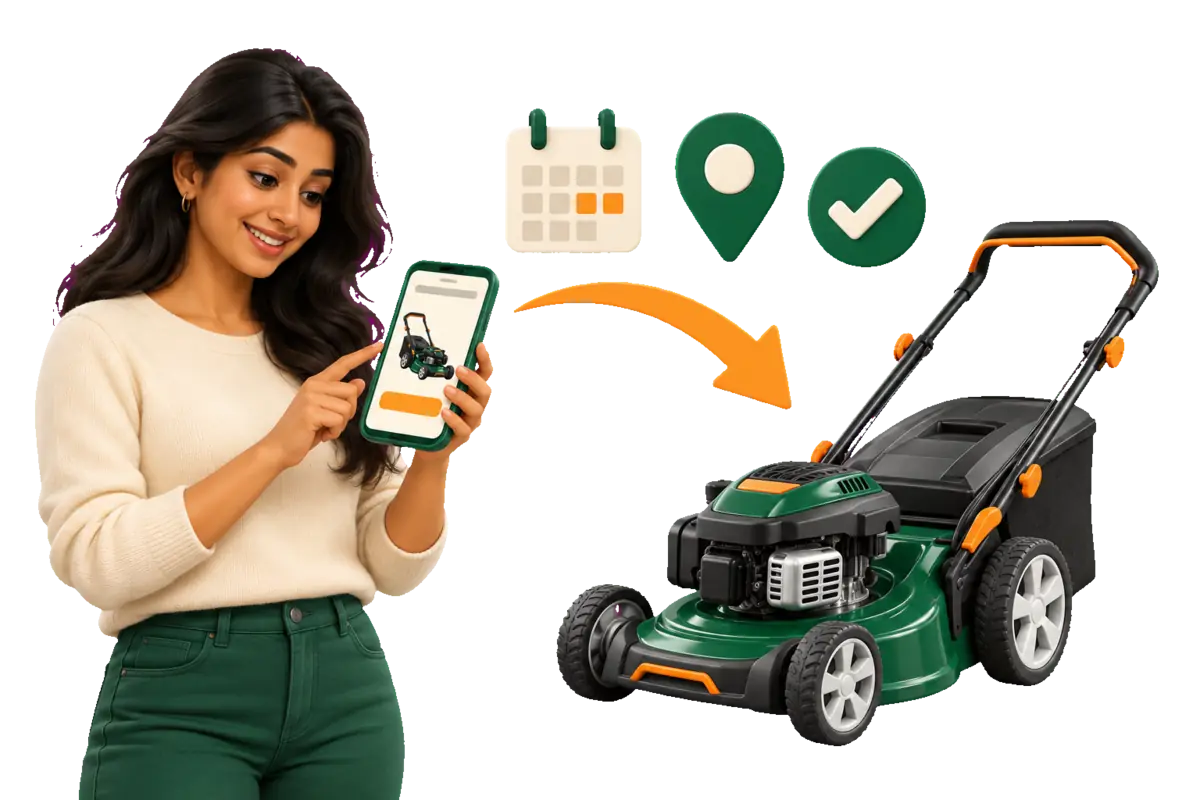
Compare nearby listings, choose your dates, and book the item for as long as you need it.
One account lets you list your own items and rent from others.
Camera gear, outdoor equipment, and useful household items may already be in demand nearby. You set the price and decide when each item is available.
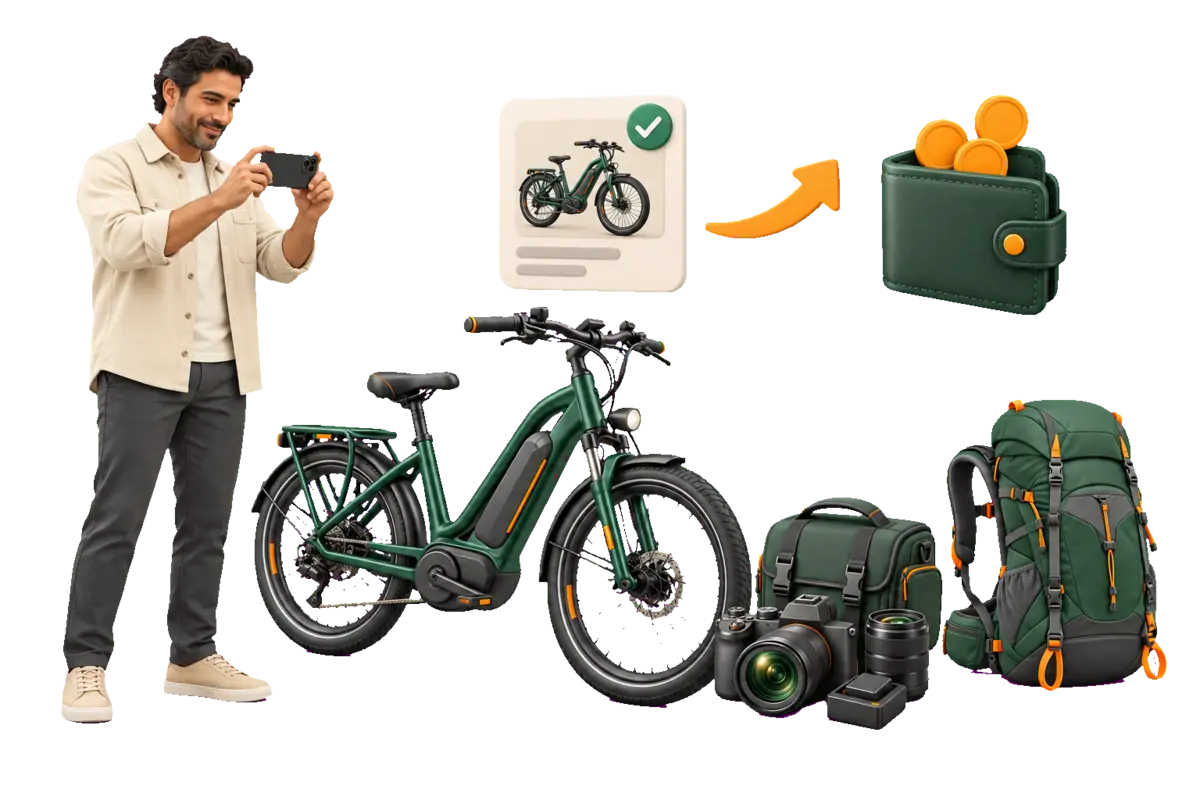
Compare listings, choose your dates, and book in the app.
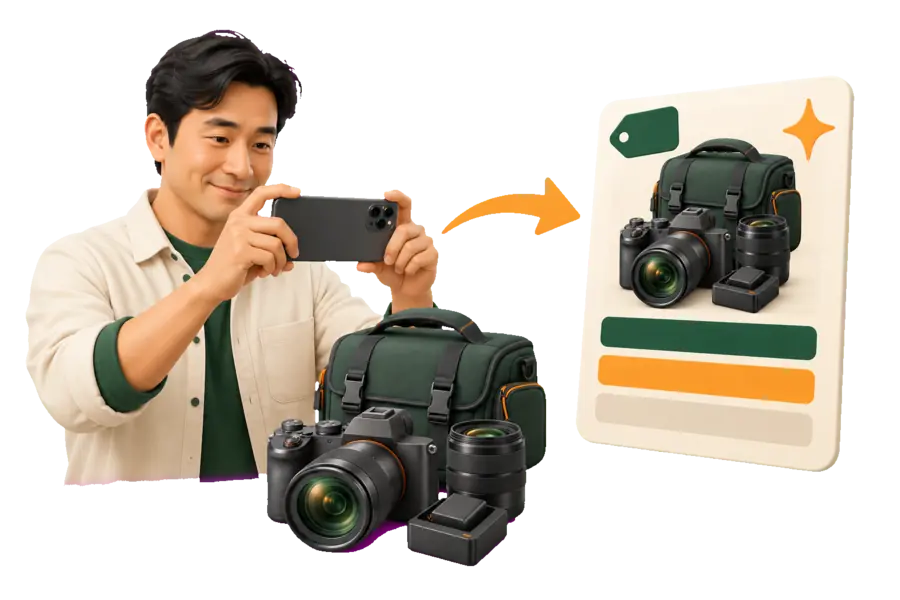
Add photos. Evorios can suggest a title, category, and starting price — review and edit everything before publishing.
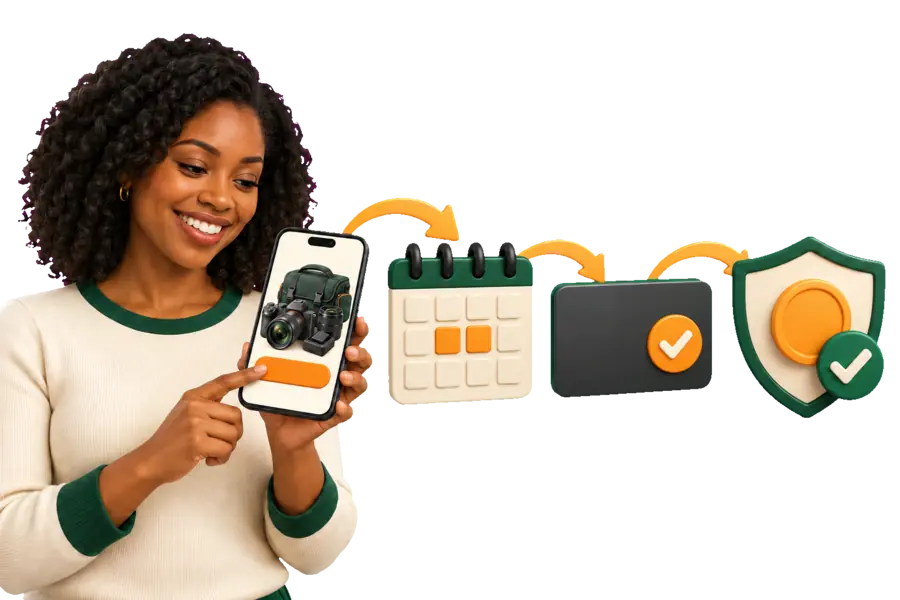
The renter chooses dates and pays in the app. If required, a refundable deposit is held on the card.
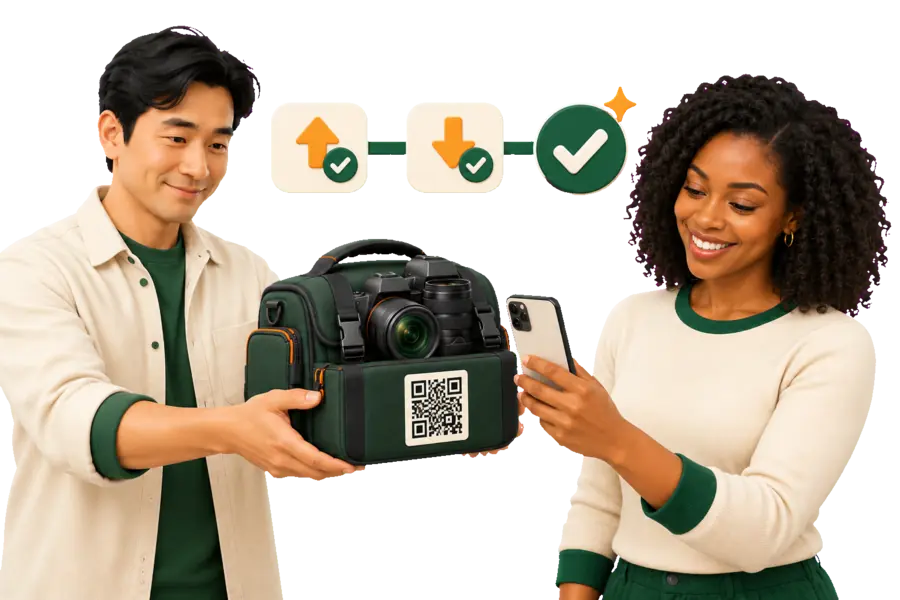
Both sides scan the QR code at pickup and return. Once the rental is complete, the payout is sent to the owner.
Offer it by the day, week, or month, with a refundable deposit when needed.
Sell it once, with no rental calendar or return.

Pass it along to someone who can use it.

Review profile details, completed checks, and ratings before you book.

When required, a hold is placed on the renter's card and released after the item is returned.
The QR code records when an item is picked up and returned.

After a rental, owners and renters can review each other.
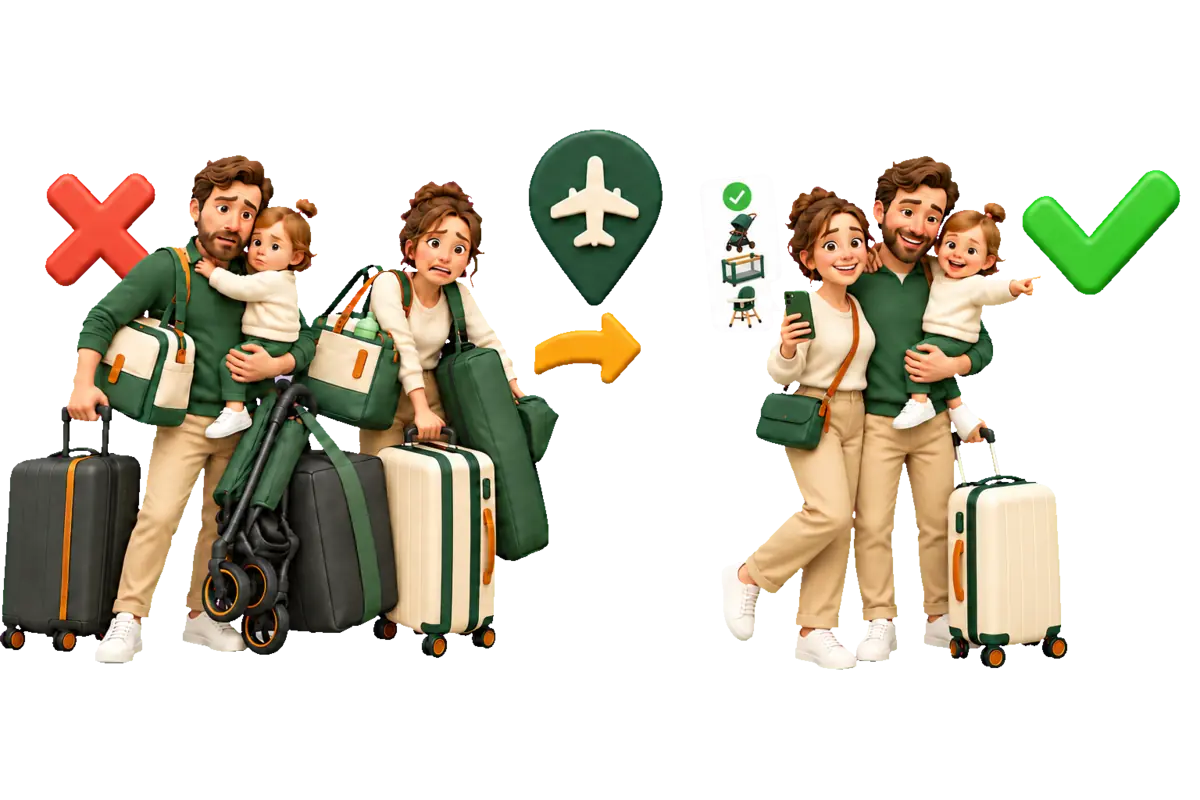
Search by city and reserve outdoor, sports, or camera gear before your trip.
Pack less and skip purchases for things you only need for a few days.
Evorios can analyze a photo, suggest a category, and help draft the listing. You review every suggestion before it goes live.
Use the assistant in the language that works for you.

Evorios is a local marketplace for renting useful items nearby. You can also sell or give away items you own. Listings can come from individual owners and professional rental businesses.
There is no fixed amount. Earnings depend on local demand, price, item condition, and availability. Start with a few useful listings and use your dashboard to see what gets booked.
Create an account and add photos. Evorios can suggest a title, category, and starting price. Review the details, set your availability, and make any changes before you publish.
That is normal for a new marketplace. Add a few useful items and share your page with neighbors, customers, or followers so local renters can discover them.
A rental is returned to the owner after the booked period. A sale transfers the item to the buyer permanently. Choose the option that fits each listing.
Renters pay in the app. Before checkout, they see the rental price, platform fees, and any refundable deposit. The payout timing is shown in the booking terms.
The owner and renter scan the QR code at pickup and return. The booking keeps a record of when each handoff happened.
When a deposit is required, a temporary hold is placed on the renter's card. The hold is released after the item is returned according to the terms shown in the app.
Message the other person in the app first. If you cannot resolve it together, open a request from the booking and add relevant photos, messages, or notes.
Stripe processes card information, so Evorios does not store full card numbers. Enter payment details only on the official checkout page and never send them in a message.